After giving-up with my Dash-Buttons (see Dead of Amazon-Dash)
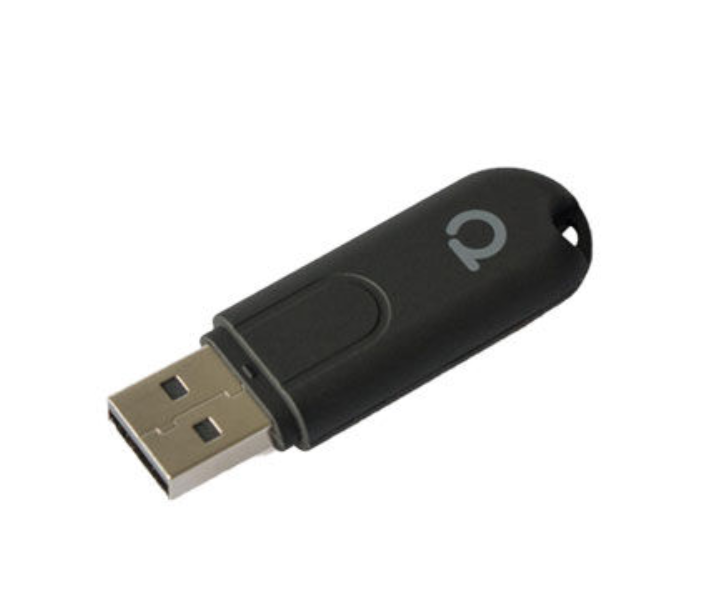
Setup DeConz and Conbee on RPI3
Install ConBee and DeConz headless on Raspberry based on https://phoscon.de/en/conbee2/install
Start DeConz from remote ubuntu server via SSH:
ssh -XY openhabian@piDeConz and Openhabian are using the same port for WebServer, change port (also for the Rest – Interface
deCONZ -platform minimal --http-port=8082 --ws-port=8081 --auto-connect=1 --dbg-error=1Autostart DeCons with service config, info: https://github.com/dresden-elektronik/phoscon-app-beta/issues/26
sudo systemctl edit deconz
# /etc/systemd/system/deconz.service.d/override.conf
[Service]
ExecStart=
ExecStart=/usr/bin/deCONZ -platform minimal --http-port=8082 --ws-port=8081 --auto-connect=1 --dbg-error=1
Other commands to schedule:
sudo systemctl enable deconz
sudo systemctl restart deconz
Configure OpenHABian
Binding for sensors:
https://www.openhab.org/addons/bindings/deconz/#dresden-elektronik-deconz-binding
Binding for lights (deconz can use Hue binding) with adjusted config:
Bridge hue:bridge:2 [ ipAddress="192.168.1.106", port="8082", userName="xxx" ]